

Use the phone and the web together
One account, one set of records: what syncs between the BizFlow app and the website, what each surface is best at, and how offline works.
Getting started
Use the phone and the web together
One account, one set of records: what syncs between the BizFlow app and the website, what each surface is best at, and how offline works.
Updated Sep 10, 2026 · 5 steps · 1 min read
One ledger, two doors
Your trips, money, receipts, vehicles, places, and rules are the same records everywhere. Record on the phone, review on the web, or the other way around — there is no separate copy to reconcile.
The phone works offline
Everything you record on the phone saves to the phone first and uploads when there is a connection. Receipt rows say "Waiting to upload" until they land. To check or push, open the More tab’s Sync section and tap "Sync now".
What only the phone does
Automatic drive detection, live drive tracking, the review swipe, and the camera. Capture happens where you are — that is the phone’s whole job.
What only the web does
Bank statement import, tax years and locking, creating clients and jobs, adding a place from pasted coordinates, and downloading the year archive to a computer. The bigger the screen, the better the review.
A rhythm that works
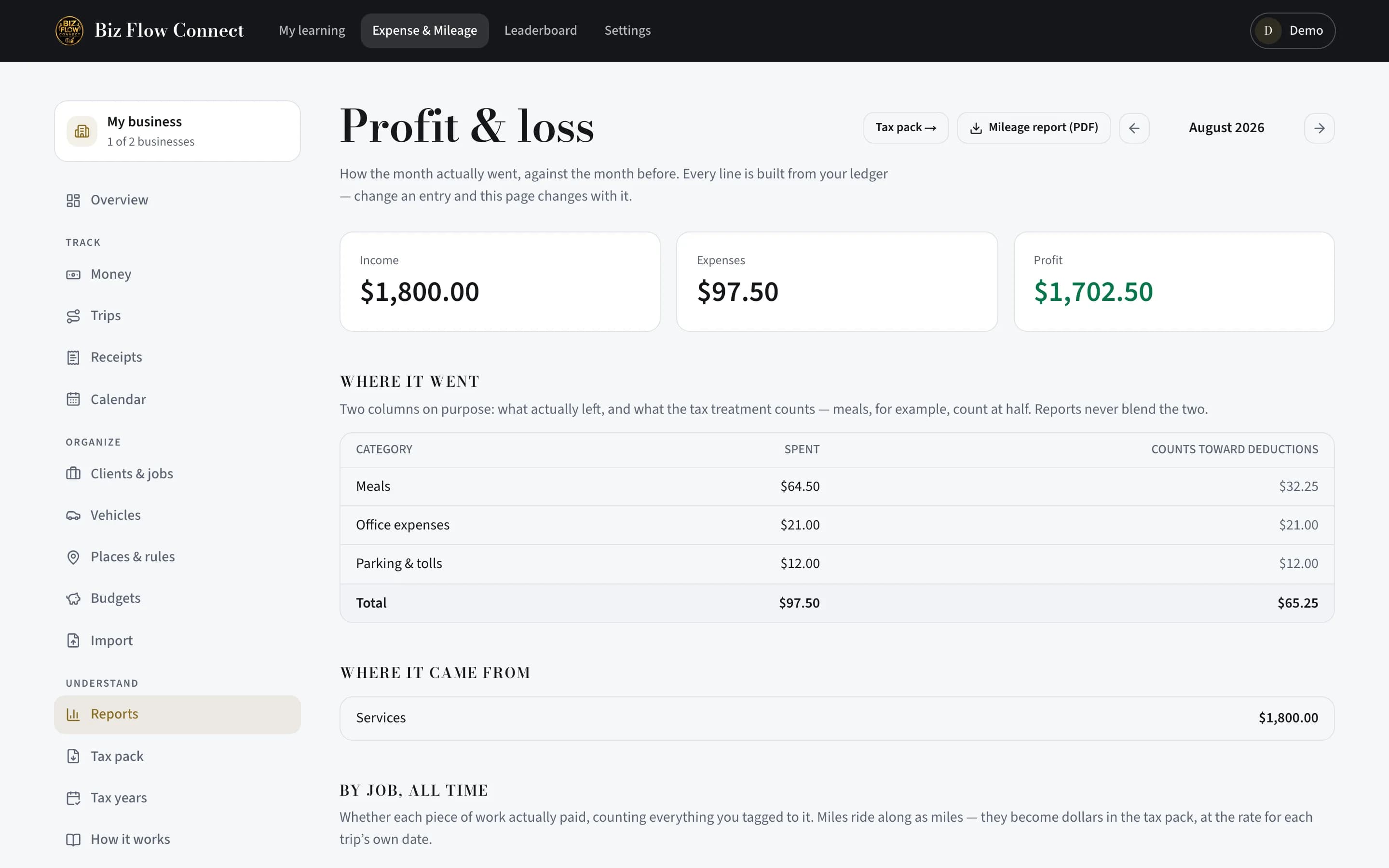
Capture on the phone the moment things happen: drives, receipts, quick money entries. Then sit down with the web once a month: Reports for the month, Trips for anything flagged, the tax pack when the year closes.
Still stuck?
Email supportRelated guides
Start with the MasterClass
Practical, educational instruction for entrepreneurs and business professionals — with every deliverable, policy, and access period stated before you buy.