

Get started with BizFlow
Create your BizFlow account, confirm your email, and sign in on your phone and on the web — one account, one set of records.
Getting started
Get started with BizFlow
Create your BizFlow account, confirm your email, and sign in on your phone and on the web — one account, one set of records.
Updated Sep 10, 2026 · 5 steps · 1 min read
Create your account
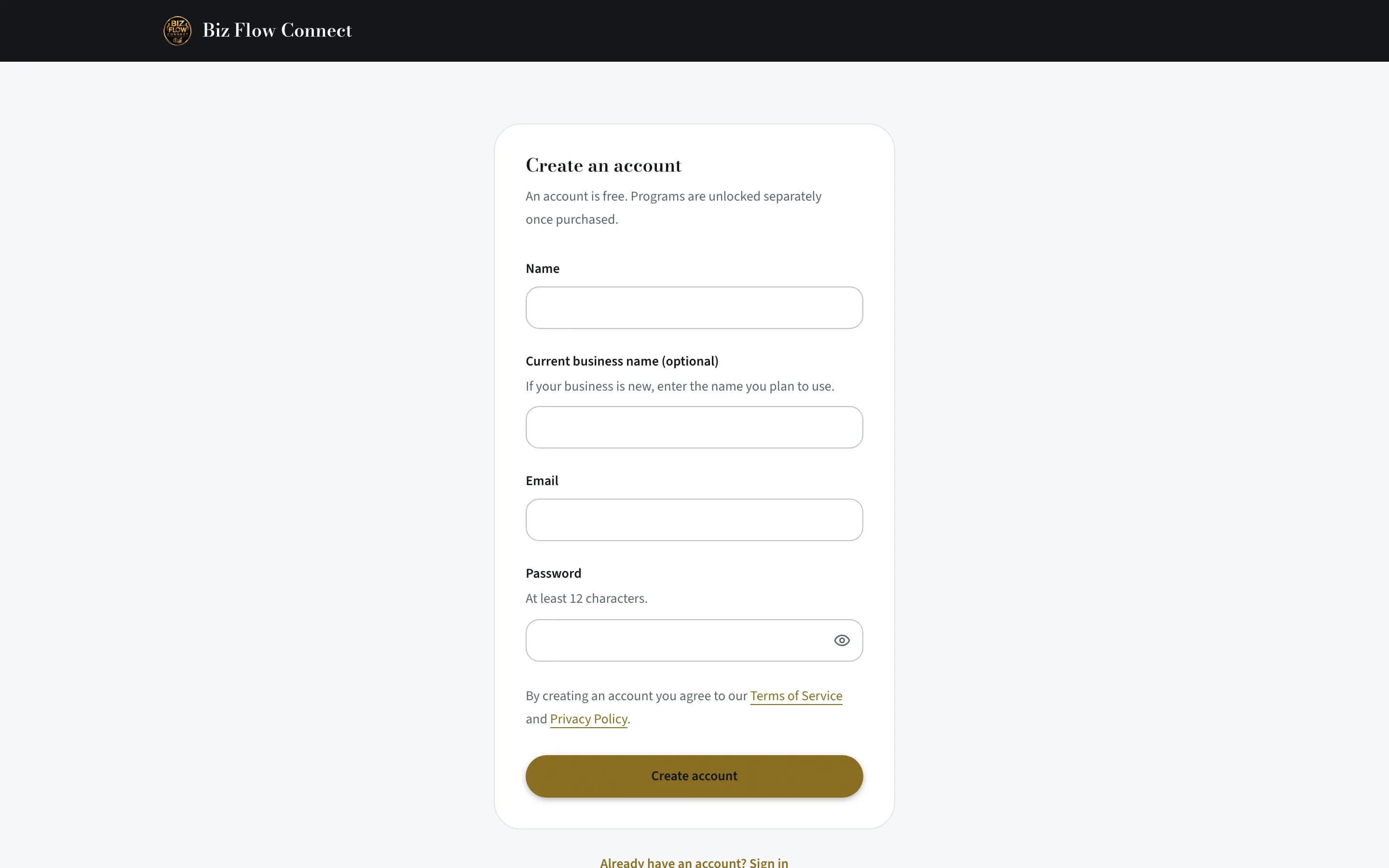
Open the app and tap "Create account" (or register on the website — it is the same account). Enter your name, your business name if you have one, your email, and a password of at least 12 characters.
Confirm your email
A confirmation link lands in your inbox and expires in one hour. Click it, then come back to the app.
Sign in on your phone
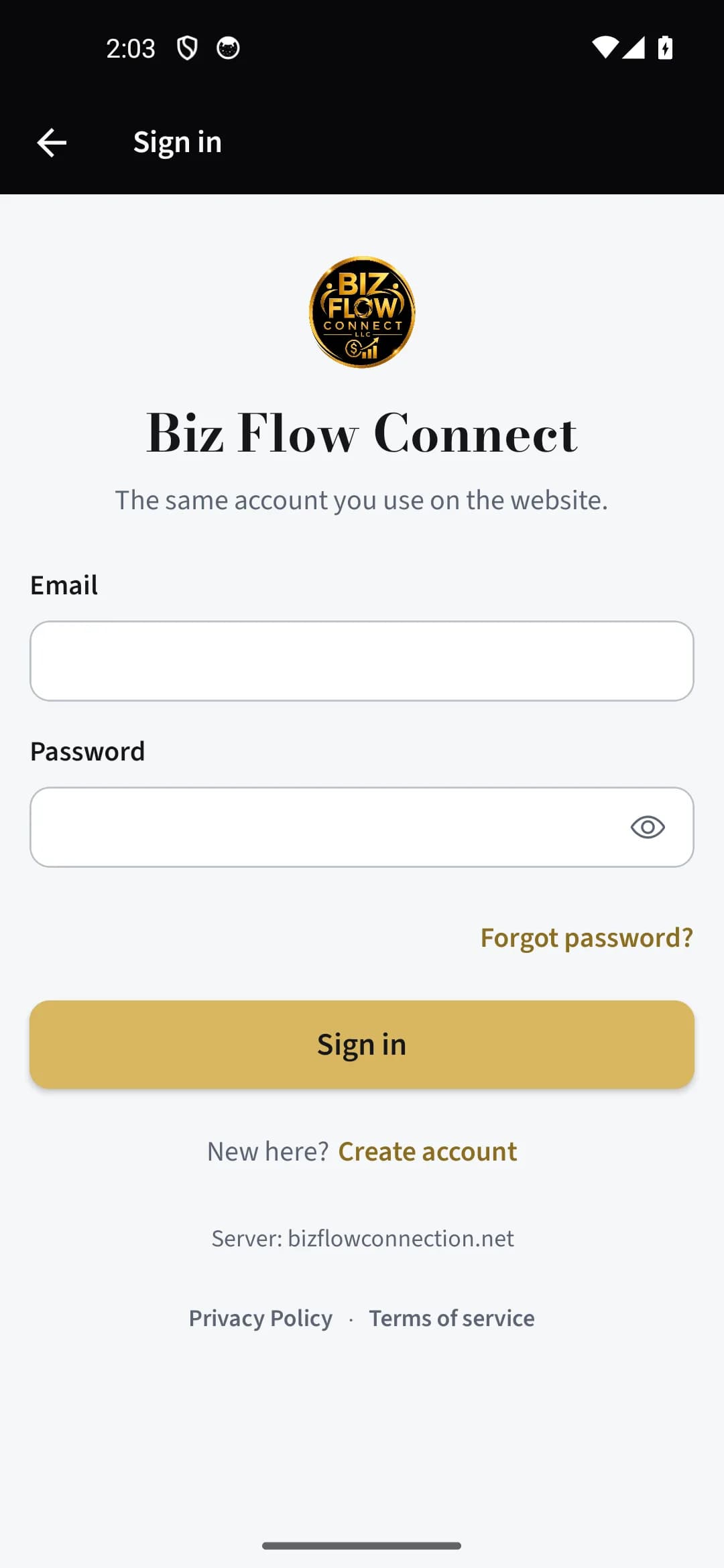
Tap "Sign in" and enter the email and password you just created. If your account holds more than one business, pick the one you are recording for.
Sign in on the web
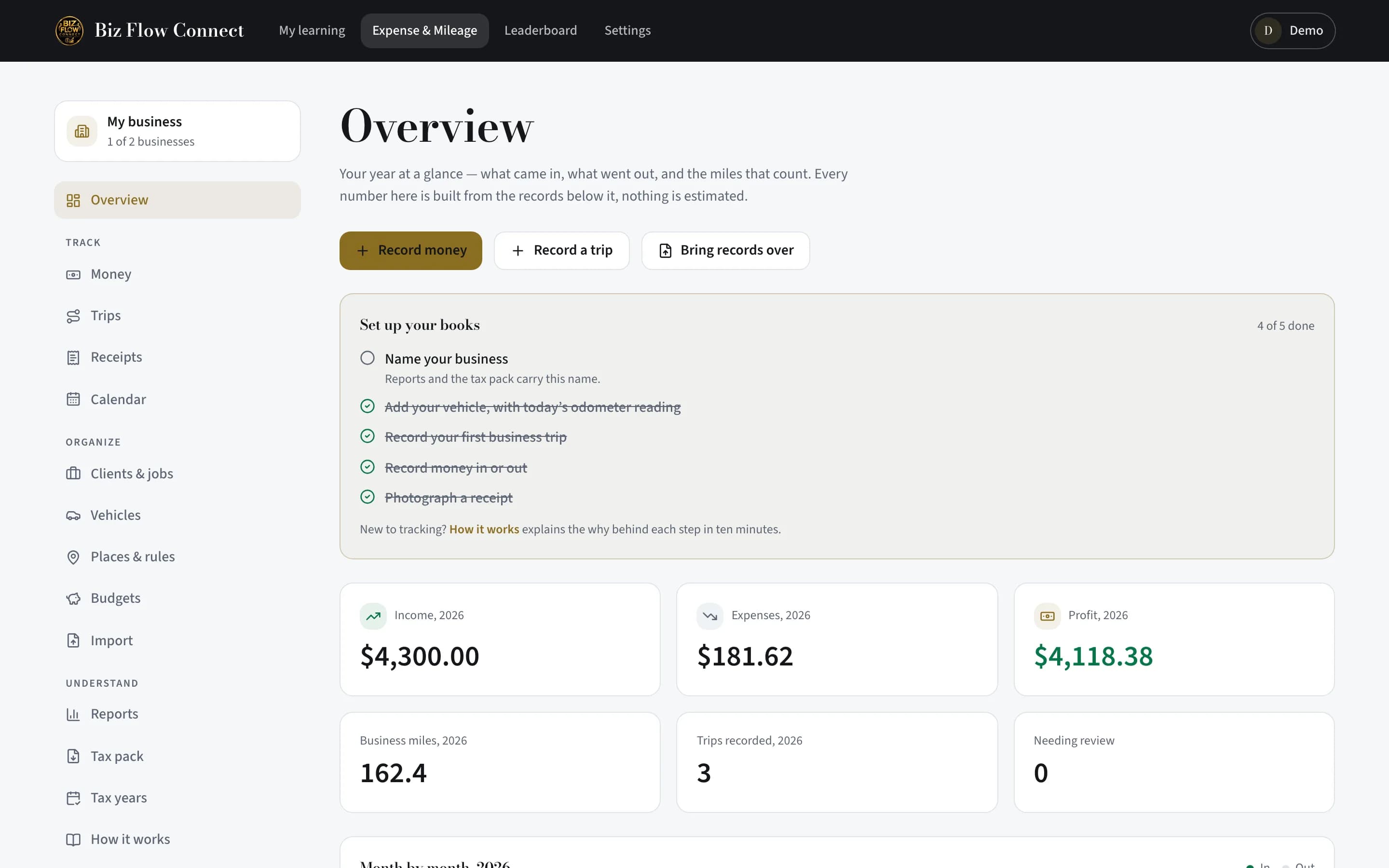
Go to bizflowconnection.net, sign in with the same email, and open your account’s Expense & Mileage app. The Overview page shows the same records your phone holds.
Take the tour
The first time the app opens, a short walkthrough introduces each tab. You can replay it any time from the More tab under "How it works".
Still stuck?
Email supportRelated guides
Start with the MasterClass
Practical, educational instruction for entrepreneurs and business professionals — with every deliverable, policy, and access period stated before you buy.